It is frustrating: you delete 500 photos and iPhone Storage says almost the same thing. Check these in order.
1. They are still in Recently Deleted
When you delete a photo, iOS moves it to Recently Deleted and keeps it for 30 days, in case you change your mind. Until it leaves that album, it still uses space. Open Photos › Albums › Recently Deleted, tap Select and Delete All. This is the cause most of the time.
2. The storage screen has not caught up
Settings › General › iPhone Storage can take a minute to recalculate. Close it, wait, and open it again. A restart also makes iOS rebuild the numbers.
3. You are looking at iCloud, not the iPhone
iCloud storage and iPhone storage are different. If iCloud Photos is on, deleting a photo frees iCloud space too, but a full iPhone is a local problem. Check Optimize iPhone Storage under Settings › [your name] › iCloud › Photos.
4. The space is somewhere else
Photos may not be your problem. Check what iPhone Storage ranks at the top: Messages attachments, big apps, downloaded music or podcasts. Deleting 500 small photos frees little next to one 4 GB video.
Deleted from iCloud Photos on one device means deleted everywhere. Photos in Recently Deleted can still be recovered during the 30 days. After that they are gone.
Delete what is big, not what is small
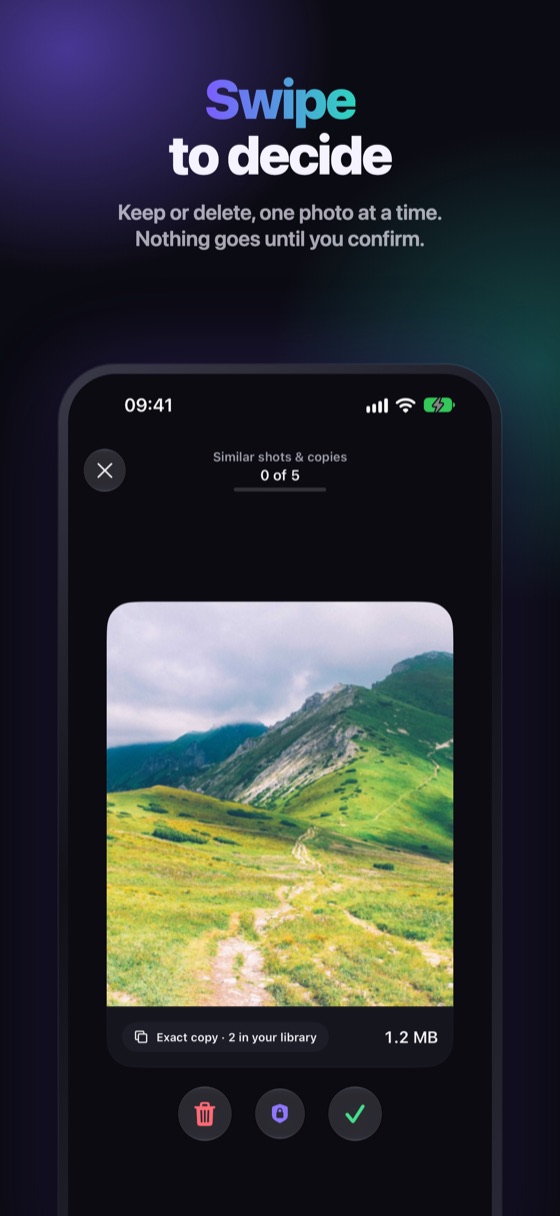
Winnow sorts by what really takes space: big videos, similar shots and copies, screenshots. Swipe to decide, confirm in the iOS sheet, and remember to empty Recently Deleted when you are sure. Everything you delete waits 30 days there, so a mistake is not final.
FAQ
Why is my iPhone storage full after deleting photos?
Most often because they are still in Recently Deleted, where they keep using space for up to 30 days. Delete them there to free the space.
Does deleting photos from iCloud free iPhone storage?
With iCloud Photos on, a photo deleted on one device is deleted on all of them, including the iPhone. Optimize iPhone Storage also keeps smaller versions on the device.
How long until deleted photos free the space?
Right away if you delete them from Recently Deleted. Otherwise iOS removes them after 30 days.