A Live Photo captures what happens just before and after you take the picture, including the audio. Apple turns Live Photo on by default in the Camera, so unless you changed it, most photos in your library carry that extra clip.
How much space does a Live Photo take?
Apple does not publish a standard size, and there is no honest single number: it depends on the scene, the light, the motion and your iPhone model. A Live Photo is always bigger than the same still photo, because it keeps the motion and sound too.
To see a real file, open a photo in Photos and swipe up or tap the Info button. Apple lists the file size among the details you can see. For the whole library, Winnow measures the motion part of each Live Photo on your iPhone and shows the total.
How to turn Live Photos off
- Open Camera and make sure it is in Photo mode.
- Tap the controls button or swipe up from Photo mode at the bottom of the screen.
- Tap Live, then choose Off. You can also choose Auto or On.
How to keep Live Photos off
The Camera can reset to Live Photo the next time you open it. To keep your choice, go to Settings › Camera › Preserve Settings and turn on Live Photo. Apple notes that this setting is on by default, which means the Camera remembers what you last chose.
Live Photos are also not available when ProRAW or HEIF Max is on.
How to find all your Live Photos
In Photos, tap Collections, scroll down to Media Types and tap Live Photos. From there you can tap Select and delete the ones you do not need.
Can you turn an existing Live Photo into a still?
In Photos, open a Live Photo, tap Edit, then tap the Live button at the top to turn it off. The Live Photo becomes a still of its key photo.
That changes how the photo plays, but it is an edit: Photos lets you Revert to Original later, which means the original is kept. Do not count on it to give space back.
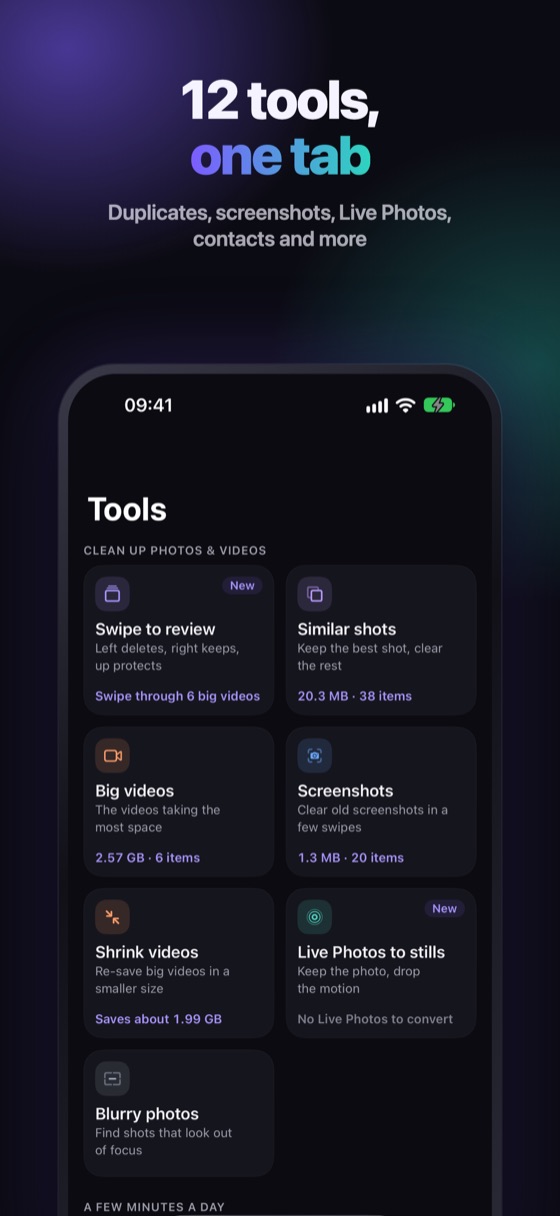
Keep the photo, drop the motion
Winnow finds your Live Photos, measures how much the motion takes on your iPhone and saves each one as a still. The original goes through the iOS confirmation and waits 30 days in Recently Deleted, so you can change your mind.
FAQ
Do Live Photos take more space than regular photos?
Yes. A Live Photo stores the photo and a short clip with sound from just before and after it, so it is always larger than the same photo alone.
How do I permanently turn off Live Photos?
Turn Live off in the Camera, then go to Settings › Camera › Preserve Settings and turn on Live Photo, so the Camera keeps your choice.
Does turning off Live in Edit free up space?
Not reliably. It is an edit you can revert, so Photos keeps the original. To get the space back, the original has to be replaced by a still and deleted.
Where are all my Live Photos?
In Photos, tap Collections, scroll to Media Types and tap Live Photos.
