Every screenshot is saved to your photo library automatically, and most were only needed for a minute. These steps follow Apple's guide for the current iOS.
1. Open the Screenshots collection
- Open Photos.
- Tap Collections, scroll down to Media Types, then tap Screenshots.
Only screenshots are listed there, newest at the bottom.
2. Select many at once
- Tap Select.
- Tap each screenshot you want to remove. To go faster, slide your finger across a row and down the grid to select a run of them in one move.
- Tap the Delete button and confirm.
If iCloud Photos is on, the screenshots are deleted from all your devices signed in to the same Apple Account.
3. Empty Recently Deleted to get the space back
Deleted photos stay in Recently Deleted for 30 days, and until then they still use space on the iPhone.
- In Photos, tap Collections.
- Tap Recently Deleted (below Utilities), tap View Album and unlock with Face ID, Touch ID or your passcode.
- Tap Select, choose the items, then tap the More button and Delete.
After that they cannot be recovered, so check before you confirm.
Keep new screenshots from piling up
When you take a screenshot, tap the thumbnail in the lower-left corner. In the preview you can delete it right away, crop it or mark it up. Deleting the ones you only need to look at once stops the pile from growing.
Before deleting, check for screenshots you may still need: boarding passes, tickets, receipts or two-factor backup codes. Save those to Files or Notes first.
Clear screenshots with a swipe
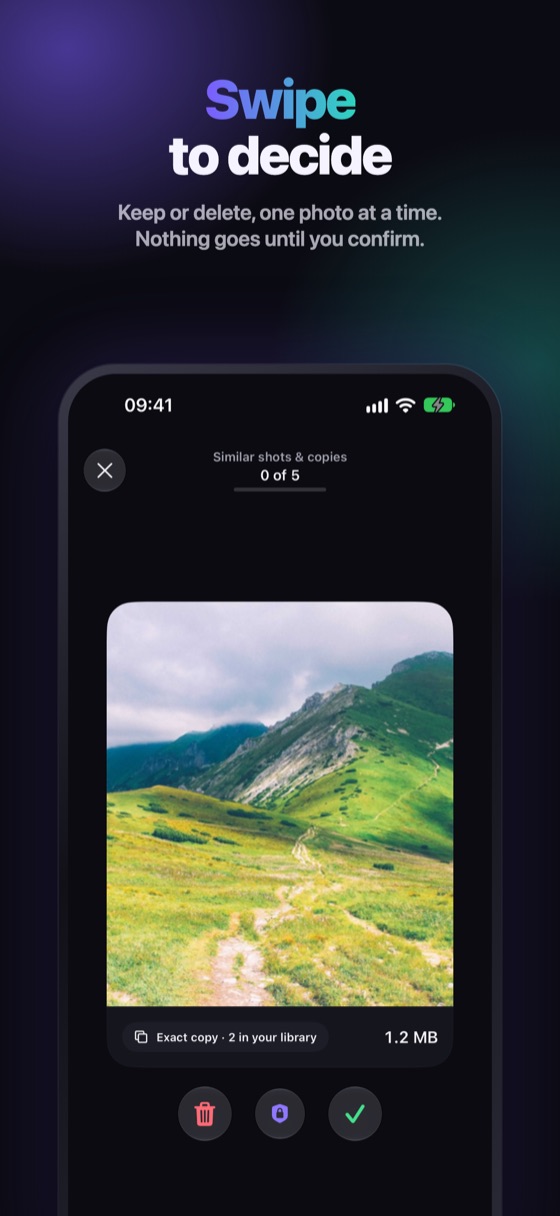
Winnow gathers your screenshots, shows how much space they take and lets you swipe through them: left to delete, right to keep, with undo. Everything goes through the iOS confirmation and waits 30 days in Recently Deleted.
FAQ
How do I select all screenshots on iPhone?
Open Photos › Collections › Media Types › Screenshots, tap Select and slide your finger across the thumbnails to select many at once.
Why is my storage still full after deleting screenshots?
They are in Recently Deleted for 30 days. Delete them there to free the space right away.
Does deleting a screenshot on iPhone delete it from iCloud?
Yes, when iCloud Photos is on. It is removed from every device signed in to the same Apple Account.
Can I recover a deleted screenshot?
Yes, for 30 days. Open Recently Deleted, select it and tap Recover.
