Open Settings › General › iPhone Storage and the bar at the top is split into colors: Apps, Photos, Messages and, at the end, a gray block. Depending on the iOS version it is labeled System Data or Other, and it can be surprisingly large.
What System Data (Other) contains
Apple's article on iPhone storage describes this category as non-removable mobile assets: Siri voices, fonts, dictionaries, non-removable logs and caches, the Spotlight index, and system data such as the Keychain and the CloudKit database. The operating system itself is counted separately, as System (or iOS), and its size depends on the device and model.
Apple also explains where many caches come from: when you stream or view music, videos and photos, the iPhone keeps cached copies so they load faster next time. In the computer view (Finder or Apple Devices) those caches show up as Other.
Source: How to check the storage on your iPhone and iPad (Apple Support).
Why the number goes up and down
Caches and temporary files are created as you use the iPhone and removed when the system needs room. Apple says that when the device is low on storage, it frees space by removing items you can download again or that are no longer needed, such as unused apps and temporary files. That is why System Data can look huge one day and smaller the next, without you doing anything.
What you can do about it
There is no button to empty System Data, and Apple says you do not need to delete cached files yourself: the iPhone removes them when it needs space. What you can do is free space elsewhere, which also gives the system room to clean up.
- Check the recommendations. In Settings › General › iPhone Storage, tap Show All under the recommendations and review each one.
- Turn on Offload Unused Apps. In Settings › Apps › App Store, turn on Offload Unused Apps. When storage is low, the iPhone removes apps you do not use but keeps their data.
- Clear big Messages attachments. Old videos and photos in conversations add up. Delete the conversations and attachments you no longer need.
- Remove downloaded videos. Movies and shows downloaded for offline viewing in the TV app and streaming apps stay until you delete them.
- Clean up Photos. Photos is often the biggest block. Start with big videos, screenshots and similar shots, then empty Recently Deleted, where deleted items stay for 30 days.
Erasing the iPhone and restoring from a backup rebuilds everything from scratch, but it is drastic and takes time. Only consider it with a fresh, complete backup, and only after the steps above.
Free the space you can control
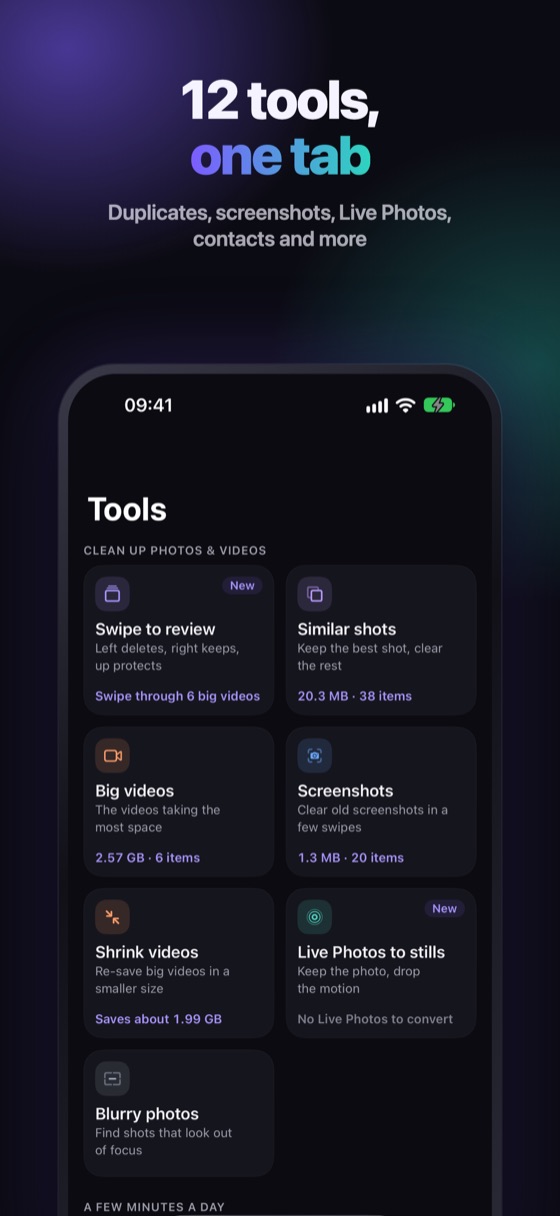
System Data is mostly out of your hands. Your photo library is not. Winnow scans it on your iPhone and shows how much you can free in similar shots, copies, screenshots and big videos, before you delete anything. Every delete waits 30 days in Recently Deleted.
FAQ
What is System Data on iPhone?
It is storage the system uses for things you cannot remove one by one: Siri voices, fonts, dictionaries, logs and caches, the Spotlight index and system data such as the Keychain. Apple's support article calls it Other.
Can I delete System Data on my iPhone?
Not directly. Apple says the iPhone removes cached and temporary files by itself when it needs space. Freeing space in apps, Messages and Photos gives it room to do that.
Why is my System Data so big?
Caches from streaming music, video and photos, logs and other temporary files grow as you use the iPhone. The size changes over time because the system removes them when storage runs low.
Is System Data the same as iOS?
No. The operating system is counted separately, as System or iOS, and its size depends on the iPhone model.
